
A few moments.
One little story.
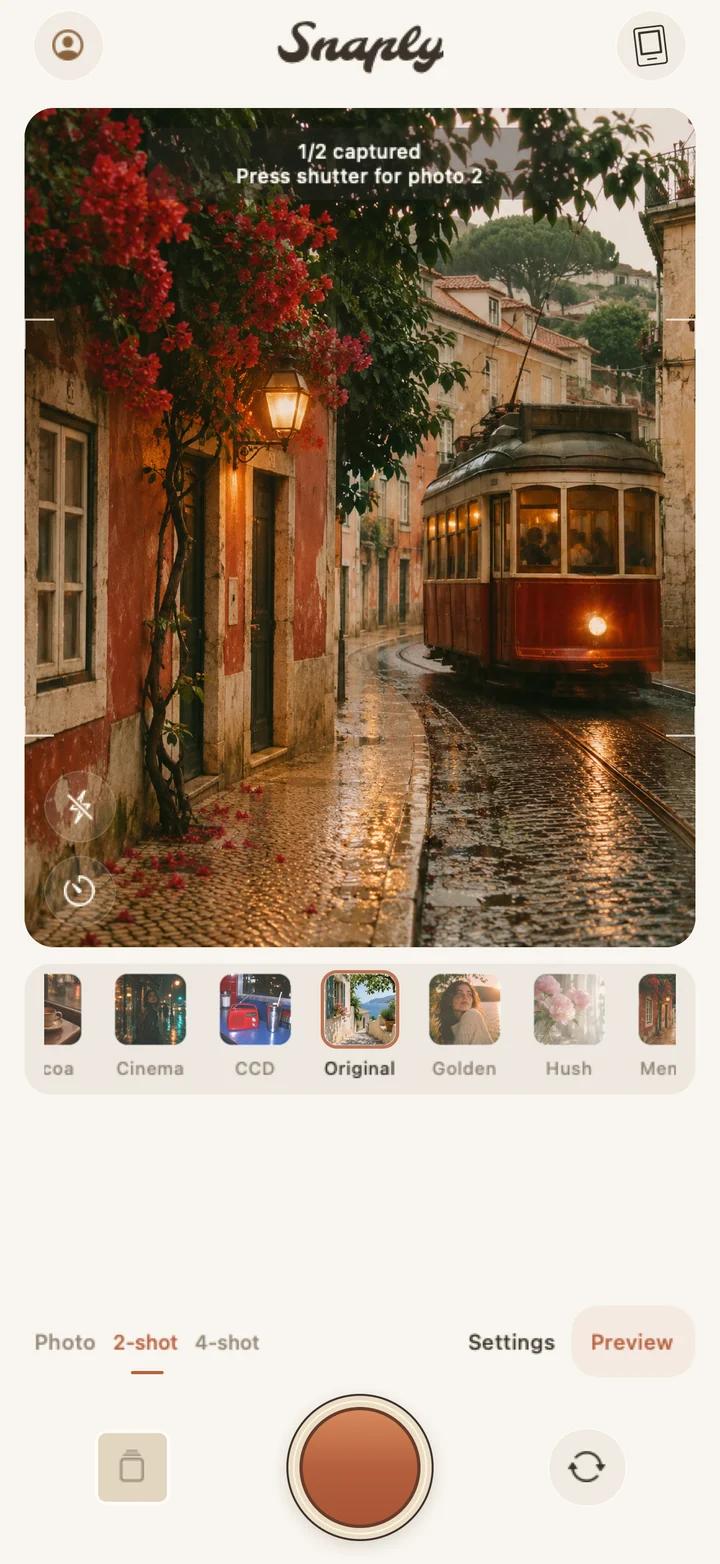
Shoot one photo, or bring two or four moments together. Keep the camera in view, retake a frame, and finish with a paper border and a few words.
Good things,
one frame at a time.
Two viewpoints. A small change. Four moments from an afternoon. Give the things that belong together a place in the same frame.
Choose two. Or four.
Start with a pair of photos or a four-frame sequence. Choose a layout, then make it your own.
Take your time.
Press the shutter for each photo, or let a timed sequence keep the pace. Retake a frame whenever you need to.
Keep the whole story.
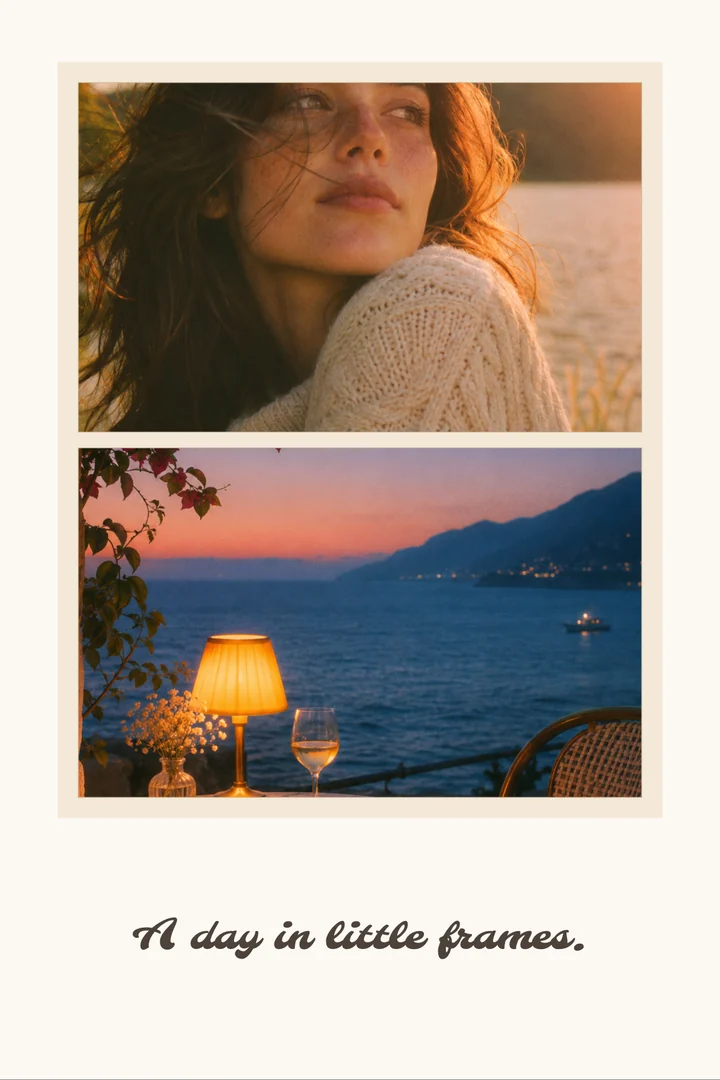
Review the frames together. Add a paper finish and a few words, then save or share one image.
Two shots.
Or four.
Two viewpoints, four little moments. Choose a sample arrangement and a border to see how they come together.
A little room around each moment.
Demonstration photos. Capture your own sequence in the iPhone app.
Shown here: a pair or a four-frame grid, with three border examples.




A color for
the way you feel.
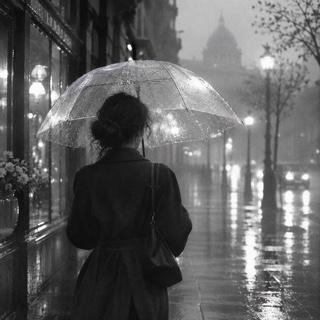
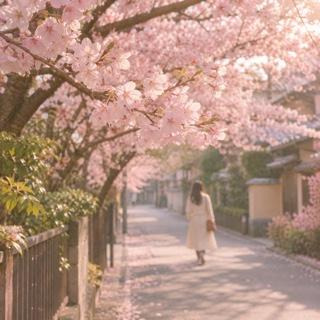
Ten filters and the original look in the app. Explore a few sample photos here.
Find your feeling, then press the shutter.
A little warmth, like the afternoon sun.
Examples use in-app filter sample images. Results vary with the scene.
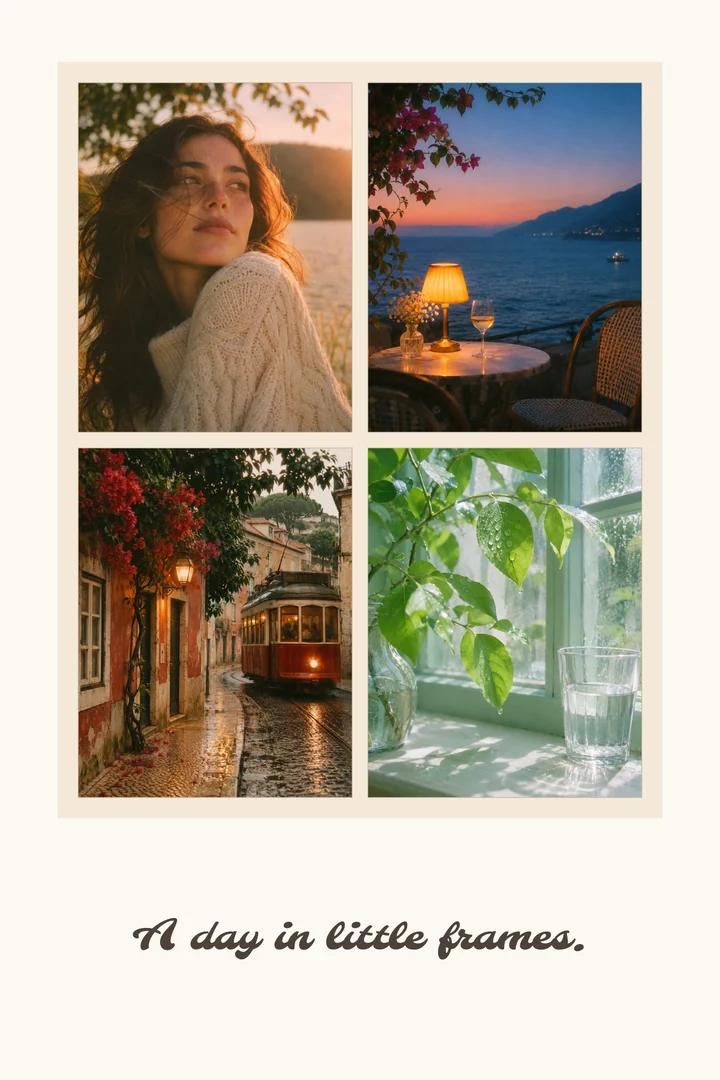 Keep the words, too.
More than a frame.
A little keepsake.
Give the whole story a paper home. Keep it simple, try a film edge, or leave a few words for your future self.
Paper examples are rendered with the current app using demonstration photos.
Close to you.
Ready when you are.
One shot or a little sequence: your camera is still the starting point. Originals and edits are kept in Snaply, with finished images saved to Photos when you grant permission.
How your photos are savedCan I still take a single photo?
Of course. Photo mode keeps the everyday camera, front and back cameras, filters, flash and self-timer. A single moment is a story, too.
Do I have to finish a sequence at once?
Your unfinished sequence is saved on your device. Return to the matching two-shot or four-shot mode to carry on, or preview a frame and retake it.
What can I change before saving?
Change the layout, collage border or arrangement while keeping your captured frames. Once you have captured a frame, switching between two and four photos asks you to start a new sequence.
Where do my photos go?
Originals, finished images and edits are stored on your device. With permission, finished images are also saved to the Snaply album in Photos. Sharing happens when you choose a sharing service.
What will you
keep next?
An idea, a question, or a little photo story? We would love to hear from you.
Write to Snaply See the lovely in the everyday.